

















 Expert advice
  Pay by Invoice
  9,3/10 rating by clients
  Worldwide Delivery
  ISO 9001-2015
  Free Trial Service


Arbor XR
 Authorized Reseller

VR Expert is an authorized reseller of Arbor XR and our experts received training with this product.
- Manage AR & VR devices
- Remotely install apps
- Reasons to buy from VR Expert
- Get 2,5% off your order when buying hardware & software

Arbor XR
€84 excl. VAT
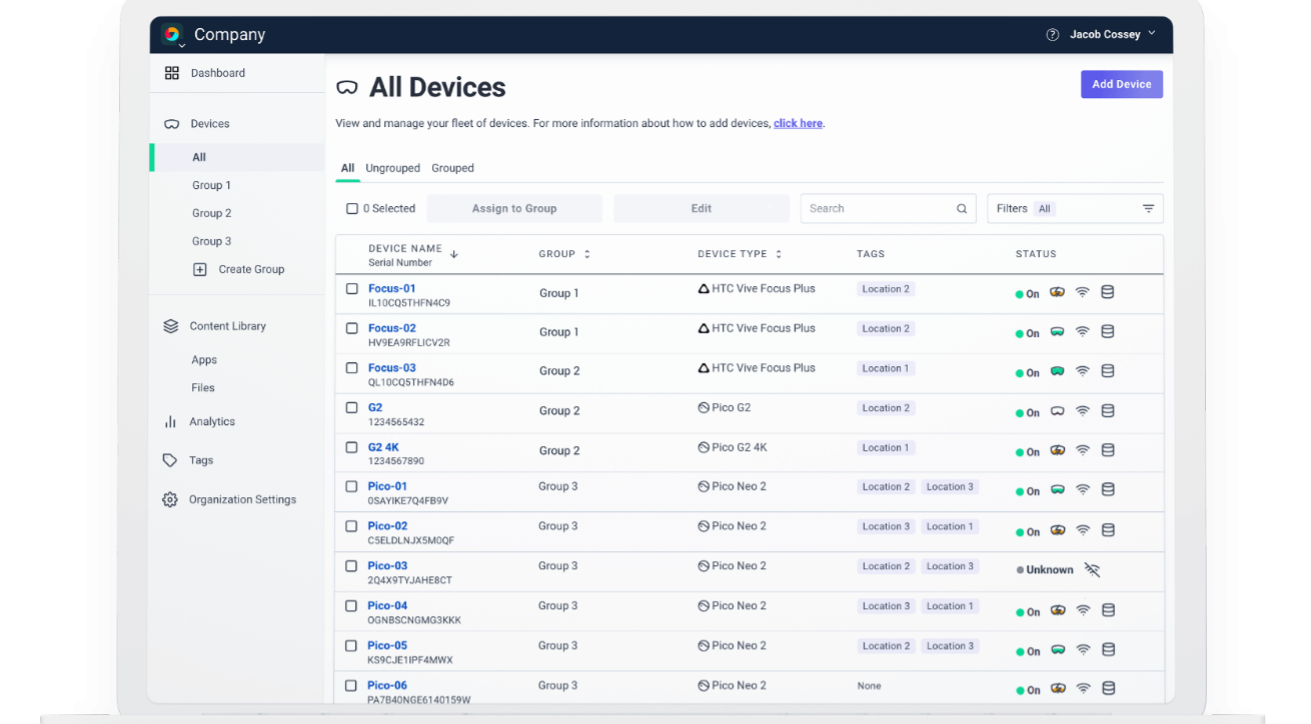
ArborXR is a Mobile Device Management software made for VR & AR headsets.Software Specification Sheet
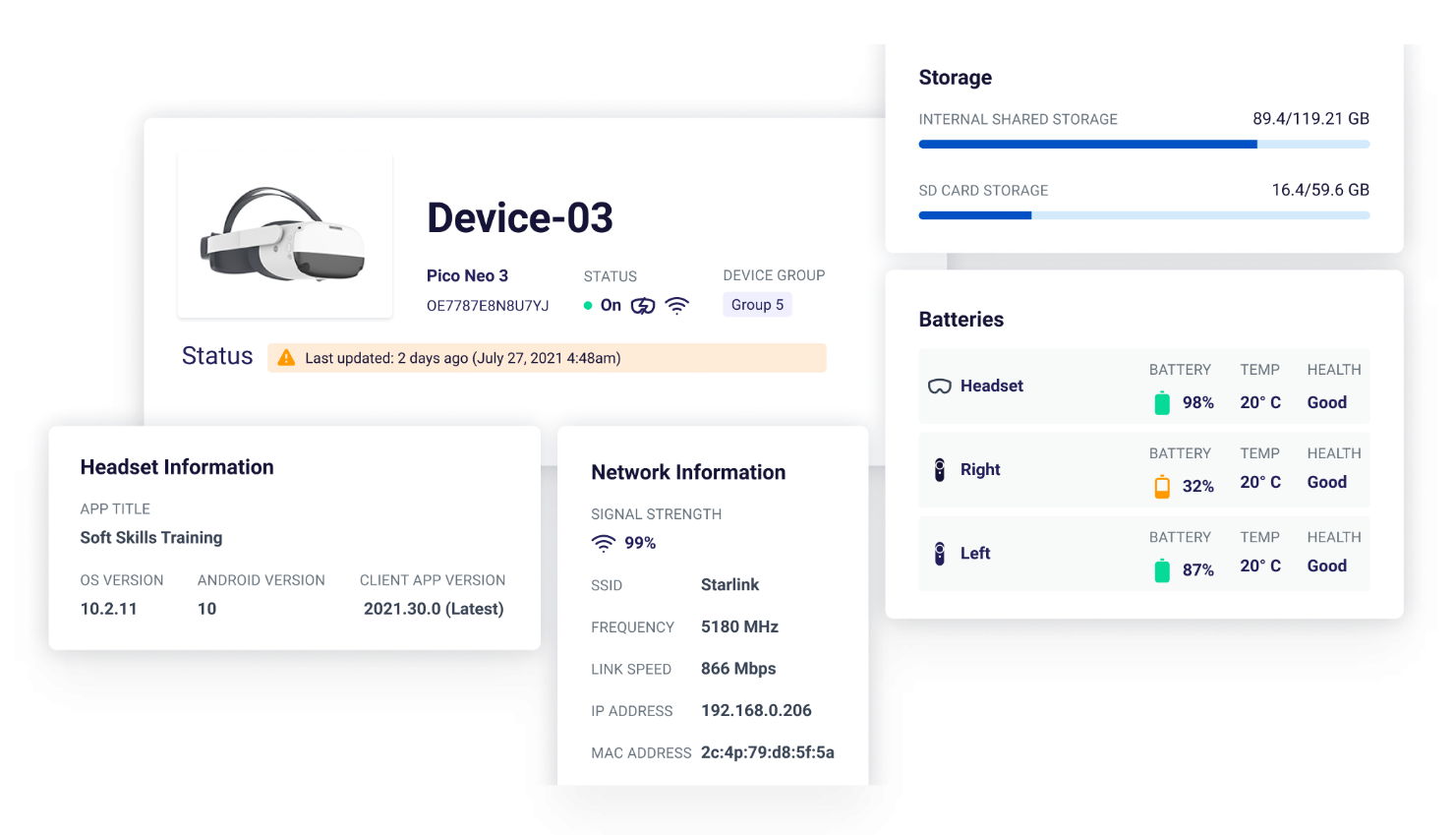
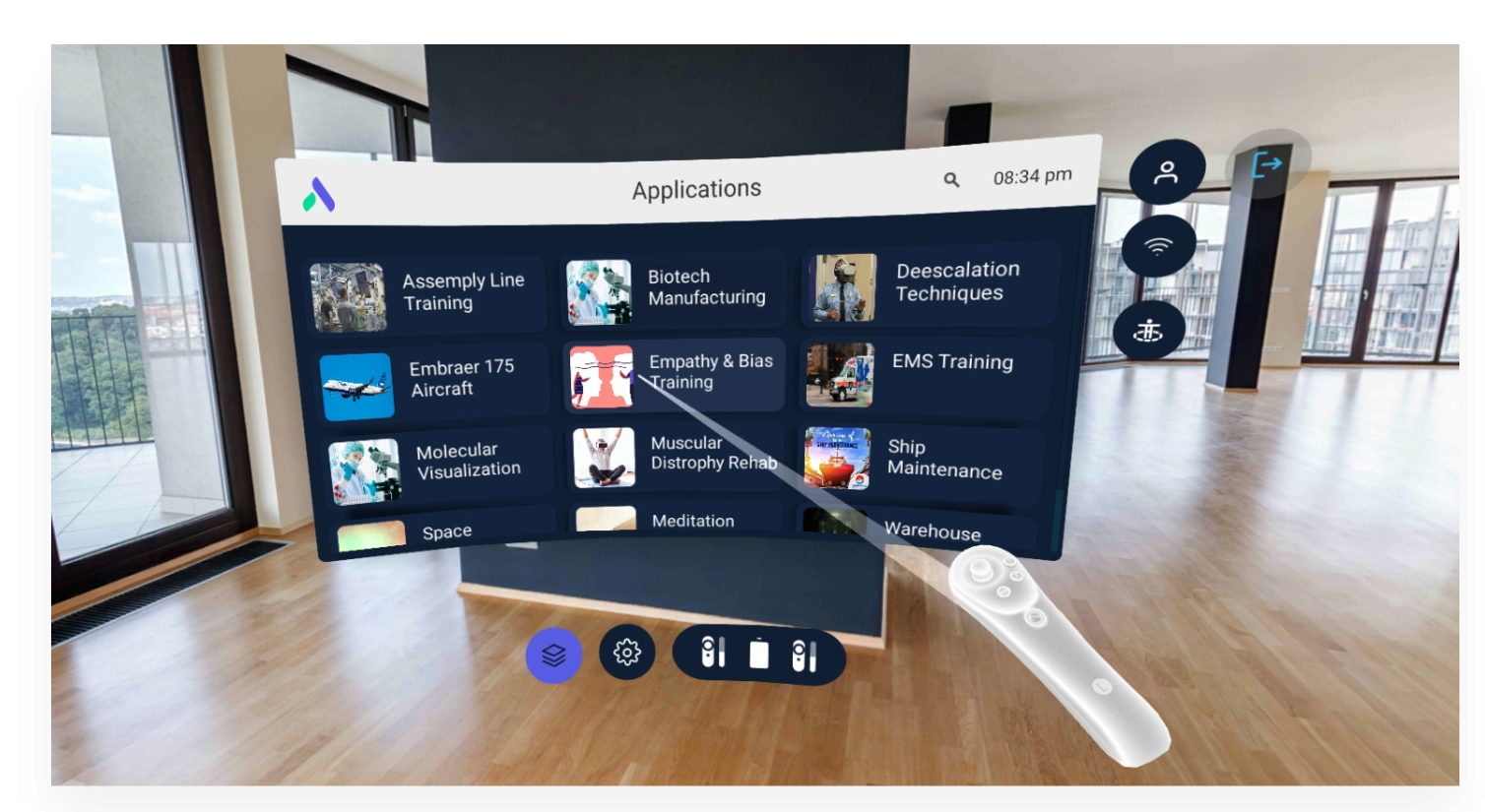
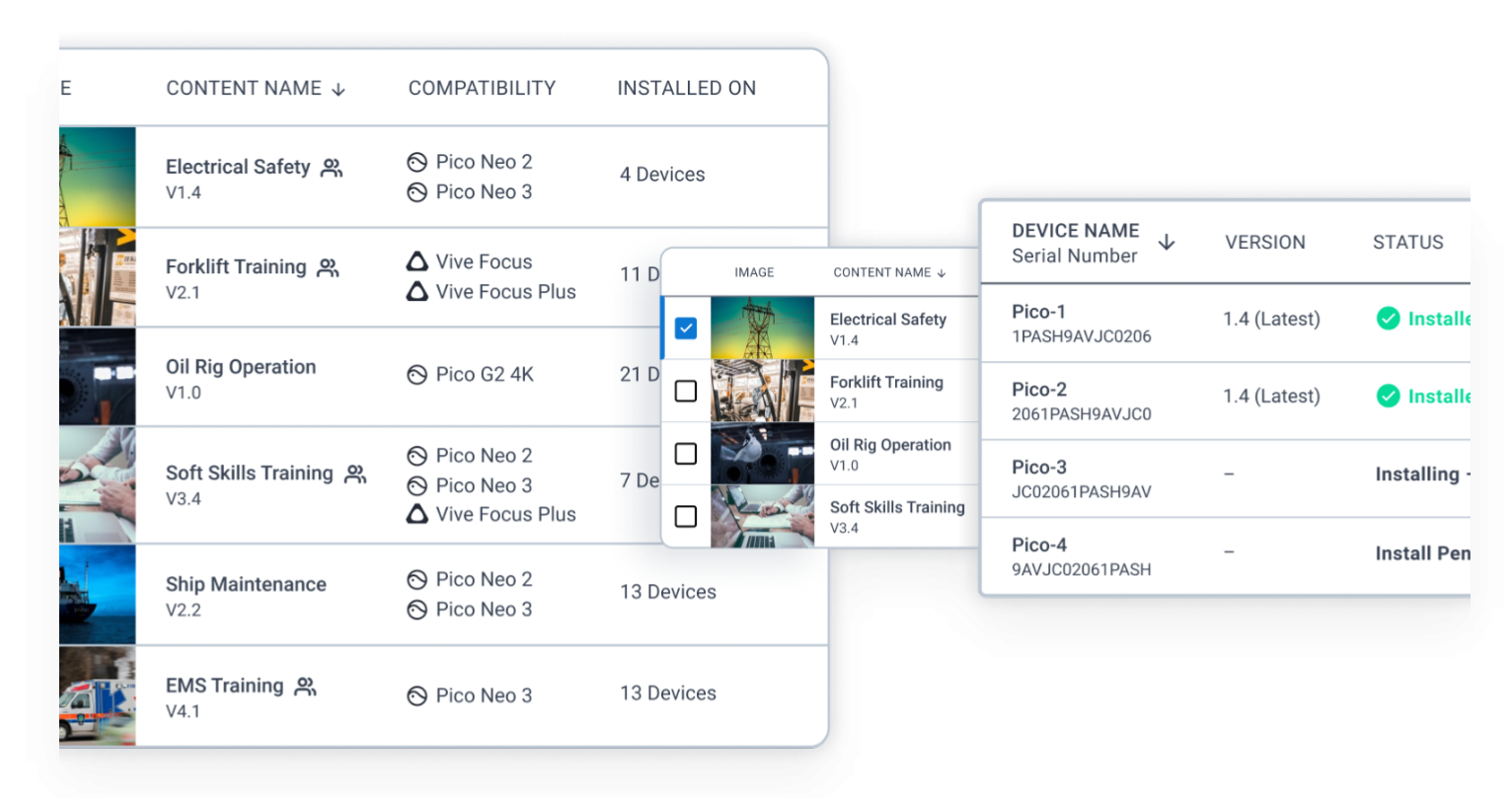
ArborXR is a Mobile Device Management software made for VR & AR headsets. Make the rollout of your XR fleet easier and more secure by using ArborXR to manage your data, keep your devices up to date and monitor their status and usage.
License
| License model | 1 year license |
| Type of license | Full access to all MDM features of ArborXR |
| Features | See full feature list |
Software details
| Category | Device management |
| Type | Manage XR devices, Install apps remotely |
| Commonly used in | Any situation where you need to manage a large amount of XR headsets |
| Supported languages | Chinese (Traditional), Dutch, English, French, German, Hindi, Italian, Japanese, Korean, Portuguese (Brazilian) and Spanish |
Compatibility
3DoF VR Headsets
-
 Pico G3
 Pico G3
 6DoF VR Headsets
-
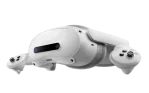
Pico 4 Ultra Enterprise, Pico 4 Enterprise, Pico Neo 3, Pico Neo 3 Pro
-
Meta Quest 3 512 GB, Meta Quest 3S 128 GB, Meta Quest 3S 256 GB, Meta Quest Pro
-
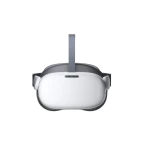
HTC VIVE Focus Vision (Business Edition), HTC VIVE XR Elite Business Edition, HTC Vive Focus 3
-
Lenovo ThinkReality VRX
 Meta Quest 3 512 GB, Meta Quest 3S 128 GB, Meta Quest 3S 256 GB, Meta Quest Pro
  HTC VIVE Focus Vision (Business Edition), HTC VIVE XR Elite Business Edition, HTC Vive Focus 3
  Lenovo ThinkReality VRX


Compatible Headsets
Arbor XR works on most of the current standalone VR and some PC VR devices. When buying Arbor XR in combination with a VR headset you get a 2,5% discount on your order!





Original price was: €1.299.€500Current price is: €500. excl. VAT
Change software plan
All Plans
Starter
- Kiosk Mode
- Multi-app launcher
- Share and install apps, files, webXR shortcuts, and videos
- Remotely launch apps, videos and web links
- Remote reboot
- Device groups & tags
- Configure device settings
- Mass configuration
- QR code enrollment
- Customize Logo
- WiFi Certificates (PKCS, SCEP, EJBCA)
- Limit & moderate access
- 3D launcher

Essential
- Everything from Starter plan included
- Remote View (screen casting)
- Device location tracking
- Disallow factory reset
- Nested device group
- Schedule content updates
- Custom user roles
- Sesson analytics
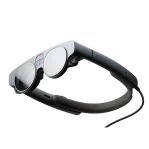
- Control OS Updates (PICO, Magic Leap 2, and more)
- Custom home environment
- Custom fields
- Device notes
- Self-hosted content
Enterprise
- Everything from Starter & Essential plan included
- In-headset SSO
- Web-portal SSO
- Fully brand ArborXR Home
- SOC 2 report
- Priority support
- Service level agreement (SLA)
- Remove ArborXR branding
- Custom invoicing
Education
- Everything from Starter & Essential plan included
- Bulk device enrollment
- Manage unlimited devices
- Keep devices up-to-date
- Monitor device inventory
- Support a variety of devices
- Remotely deploy & manage XR content
- Remotely view student content
- Content hosting & updating
- Monitor content usage
- Install status visibility
- No file size limits
- Self-guide users
- Prevent tampering
Starter
- Kiosk Mode
- Multi-app launcher
- Share and install apps, files, webXR shortcuts, and videos
- Remotely launch apps, videos and web links
- Remote reboot
- Device groups & tags
- Configure device settings
- Mass configuration
- QR code enrollment
- Customize Logo
- WiFi Certificates (PKCS, SCEP, EJBCA)
- Limit & moderate access
- 3D launcher
Essential
- Everything from Starter plan included
- Remote View (screen casting)
- Device location tracking
- Disallow factory reset
- Nested device group
- Schedule content updates
- Custom user roles
- Sesson analytics
- Control OS Updates (PICO, Magic Leap 2, and more)
- Custom home environment
- Custom fields
- Device notes
- Self-hosted content
Enterprise
- Everything from Starter & Essential plan included
- In-headset SSO
- Web-portal SSO
- Fully brand ArborXR Home
- SOC 2 report
- Priority support
- Service level agreement (SLA)
- Remove ArborXR branding
- Custom invoicing
Education
- Everything from Starter & Essential plan included
- Bulk device enrollment
- Manage unlimited devices
- Keep devices up-to-date
- Monitor device inventory
- Support a variety of devices
- Remotely deploy & manage XR content
- Remotely view student content
- Content hosting & updating
- Monitor content usage
- Install status visibility
- No file size limits
- Self-guide users
- Prevent tampering

 Specific requirements or have any questions?
Please let us know and we’ll provide a custom quote based on your needs.
E-mail us at sales@vr-expert.com or call us at 030 711 6183
Request a Quote
Get a detailed quote for this software within 1 - 2 business days.

| Software Features |
Arbor XR Arbor XR StarterAdd to Cart |
Arbor XR Arbor XR EssentialAdd to Cart |
Arbor XR Arbor XR EnterpriseAdd to Cart |
||
|---|---|---|---|---|---|
| Kiosk Mode | ✓ | ✓ | ✓ | ||
| Multi-App launcher | ✓ | ✓ | ✓ | ||
| Share and install Apps, Files, WEBXR shortcuts & video's | ✓ | ✓ | ✓ | ||
| Remotely launch Apps, Videos & Web links | ✓ | ✓ | ✓ | ||
| Remote reboot | ✓ | ✓ | ✓ | ||
| Deivce groups & tags | ✓ | ✓ | ✓ | ||
| Configure device settings | ✓ | ✓ | ✓ | ||
| Mass configuration | ✓ | ✓ | ✓ | ||
| QR-code enrollment | ✓ | ✓ | ✓ | ||
| Customize Logo | ✓ | ✓ | ✓ | ||
| Wifi Certificates | ✓ | ✓ | ✓ | ||
| Limit & Moderate access | ✓ | ✓ | ✓ | ||
| 3D launcher | ✓ | ✓ | ✓ | ||
| Remote view (screen casting) | ✓ | ✓ | |||
| Device location tracking | ✓ | ✓ | |||
| Disallow factory reset | ✓ | ✓ | |||
| Nested device groups | ✓ | ✓ | |||
| Customer user roles | ✓ | ✓ | |||
| Schedule content updates | ✓ | ✓ | |||
| Session analytics | ✓ | ✓ | |||
| Control OS updates | ✓ | ✓ | |||
| Custom Home environment | ✓ | ✓ | |||
| Custom fields | ✓ | ✓ | |||
| Device notes | ✓ | ✓ | |||
| Self-hosted content | ✓ | ✓ | |||
| In-headset SSO | ✓ | ||||
| Web portal SSO | ✓ | ||||
| Fully brand ArborXR Home | ✓ | ||||
| SOC 2 report | ✓ | ||||
| Priority support | ✓ | ||||
| Service level agreement (SLA) | ✓ | ||||
| Custom invoicing | ✓ | ||||
| Remore ArborXR branding | ✓ |


